antigravity • Aug 26, 2026
Learn how Generative UI and visual tooling in Google Antigravity empower agents to create interactive artifacts, dashboards, and design mockups in real time.
Read at antigravity.google antigravity • Aug 24, 2026
Learn how built-in Git Version Control System (VCS) controls and an integrated terminal panel in Antigravity improve reviewability and developer workflow.
Read at antigravity.google antigravity • Aug 21, 2026
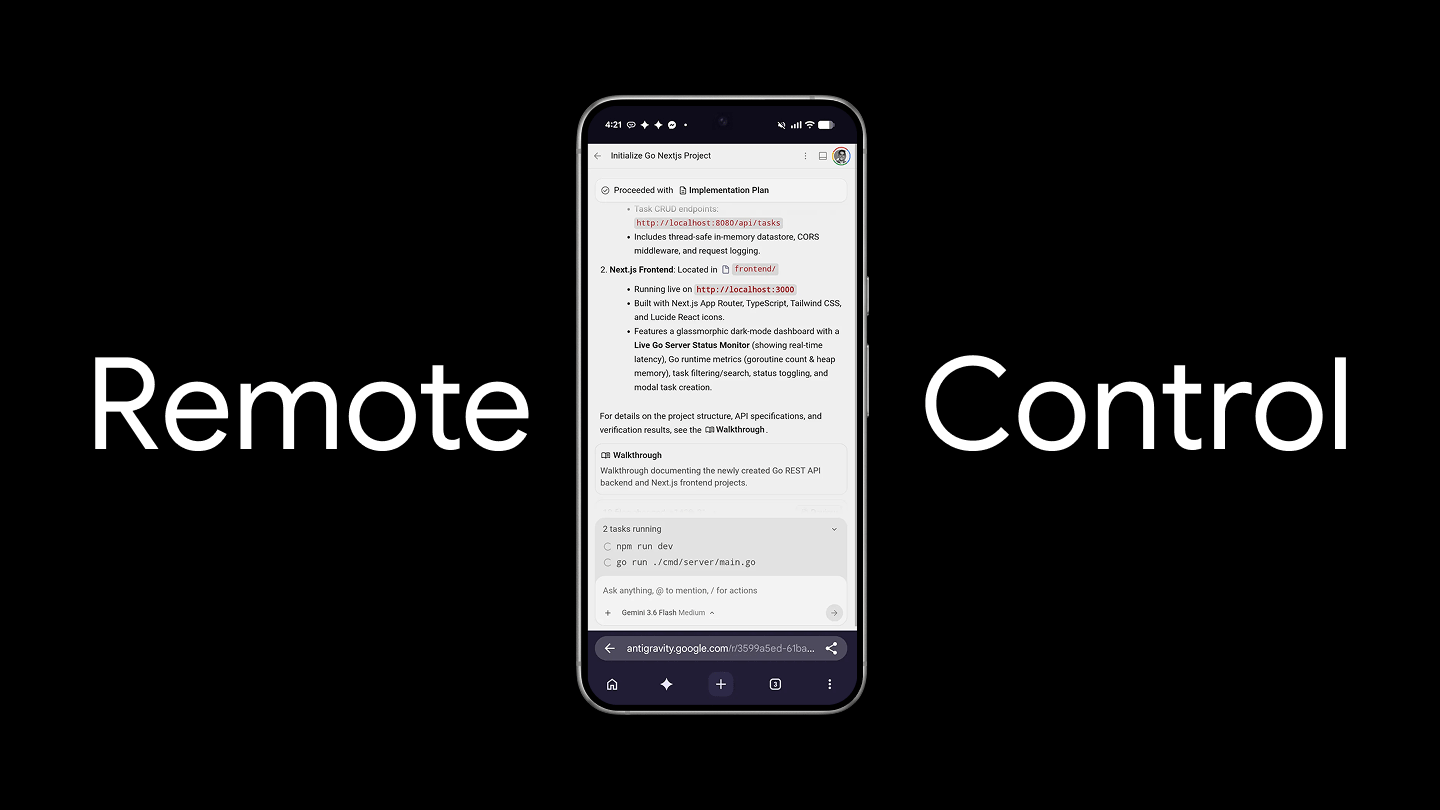
Learn how Antigravity Remote Control allows you to connect, monitor, and drive agentic development sessions across your machines from any web browser.
Read at antigravity.google firebase • Jun 29, 2026
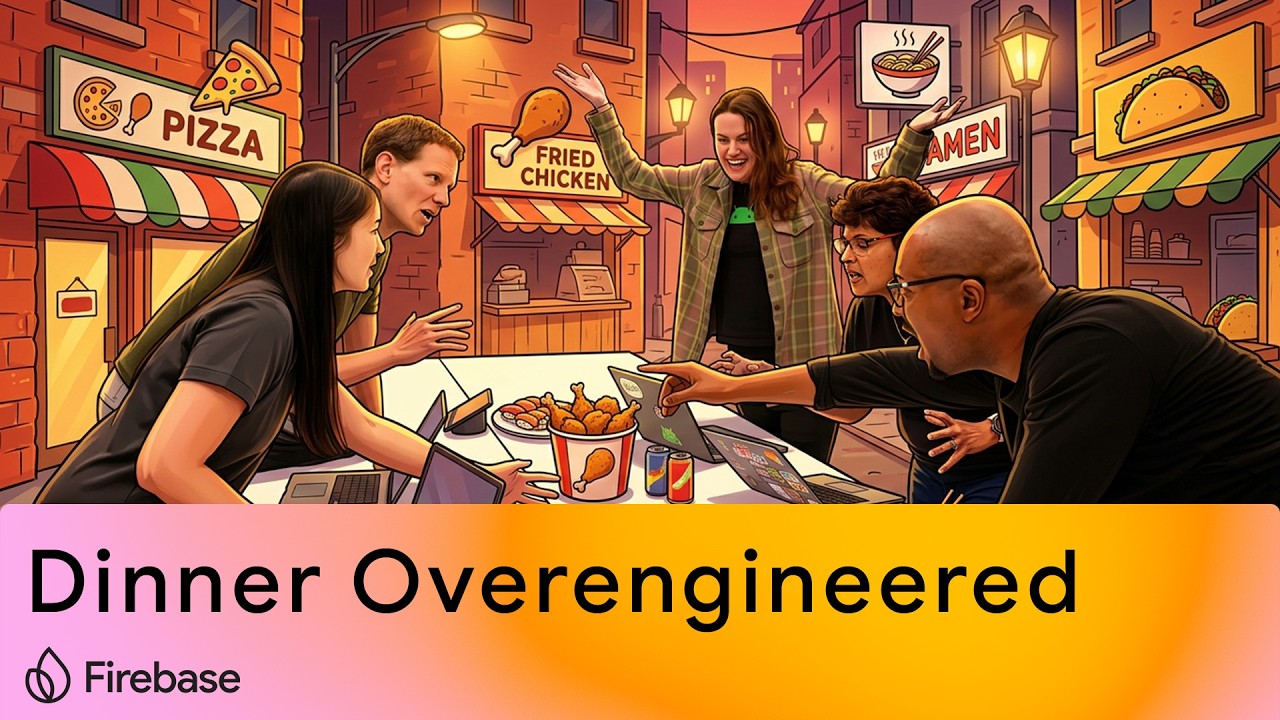
Six Googlers figure out where to eat in an afternoon by vibe coding a dinner deciding app.
Watch on YouTube genkit • Jun 17, 2026
Learn how to extract and stream model thought processes using Genkit and server-sent events, and render them in a custom React component to create a highly responsive user experience.
Read at genkit.dev ai • Jun 11, 2026
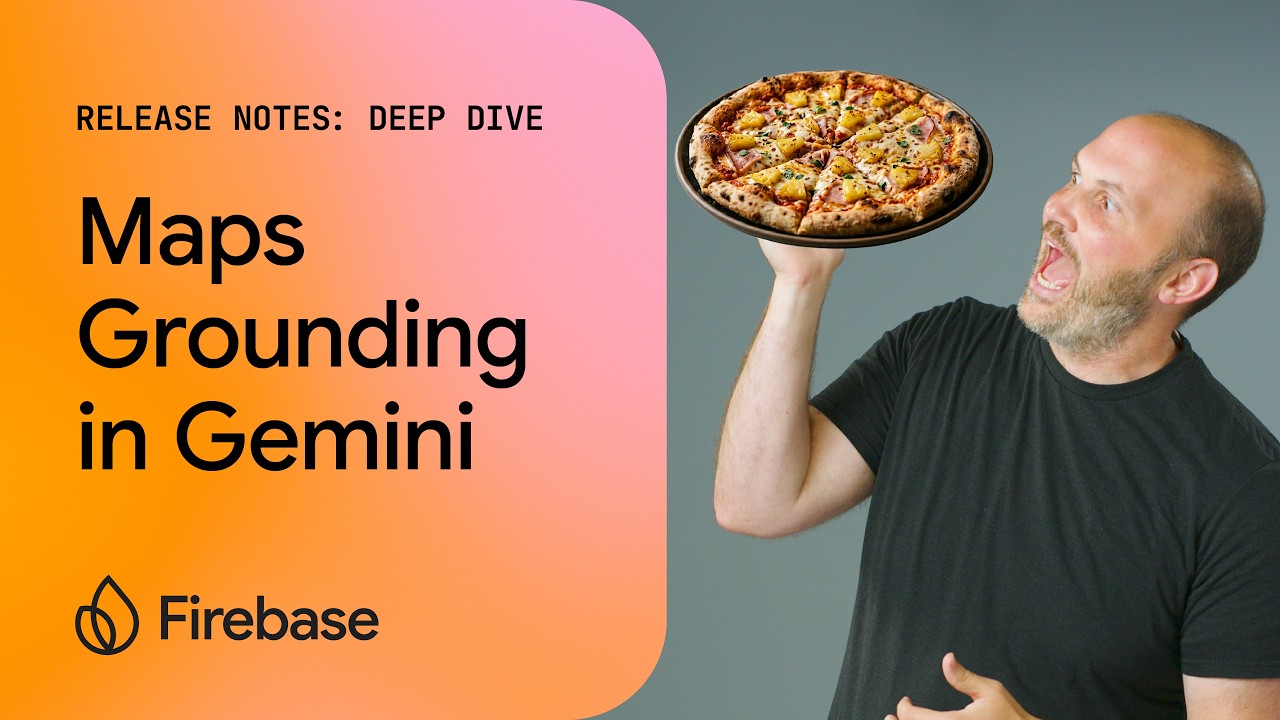
Gemini and Firebase AI logic recently added Google Maps grounding. Instead of relying on expensive RAG (Retrieval-Augmented Generation) server pipelines, you can now connect Gemini directly to real-time, real-world Google Maps data. Join Nohe as he shares how to add Google Maps Grounding to Gemini queries to get better results.
Watch on YouTube ai • May 11, 2026
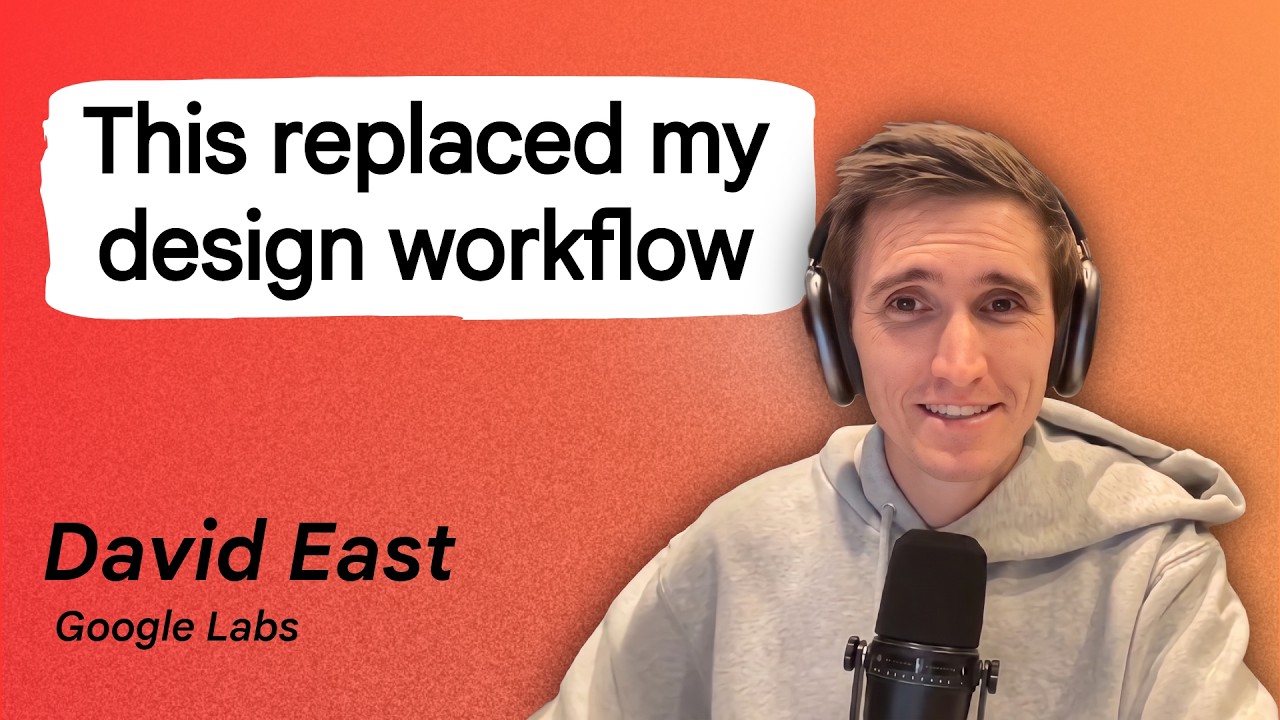
If you've ever shipped an app that worked perfectly under the hood but looked like it was built in 2003, this episode is for you. Designing beautiful, responsive user interfaces is notoriously difficult, but what if you could outsource the heavy lifting to an AI? In this episode, we explore Stitch, Google Labs’ AI-powered UI generation tool that acts as your personal creative director, building stunning interfaces on the fly without writing a single line of initial CSS.
Host Nohe sits down with David East, DevRel Engineer at Google Labs, for a complete walkthrough of the Stitch platform. You'll see David design a fully custom Maryland crabbing tour website from scratch, establish non-negotiable constraints like color and theme, and dive deep into Design.md—the secret file that translates your creative intent into tokenized AI values. The episode also features an incredible demo using the Gemini CLI and the Stitch MCP server to pull down production-ready HTML and Tailwind CSS straight to your local environment, followed by a rapid-fire "hot takes" round on the future of frontend engineering.
Whether you’re a backend developer avoiding Flexbox or a seasoned architect looking to speed up your prototyping, you'll walk away from this episode knowing exactly how to prompt an AI for highly-specific UI designs. You'll learn the concept of "semantic compression," how to leverage design variants, and why treating AI as your creative partner rather than just a code generator yields the best results.
Watch on YouTube firebase • Apr 16, 2026
In this deep dive, Nohe explores how to implement the hybrid SDK for Firebase AI Logic on Android. One of the biggest headaches in mobile AI is deciding between a cloud model (reliable but costly) and an on-device model (fast but fragmented).
Now, you don't have to choose. With Hybrid Inference, your app can prefer the local model already managed by Android’s AICore and seamlessly fall back to Gemini 3.1 Flash in the cloud if the device isn't compatible.
Watch on YouTube mcp • Apr 3, 2026
Learn how the Developer Knowledge MCP server provides authoritative, up-to-date Google technical documentation (including Firebase, Android, and Google Cloud) to LLMs, ensuring your AI agents don't rely on outdated information for new features.
Dive in genkit • Mar 11, 2026
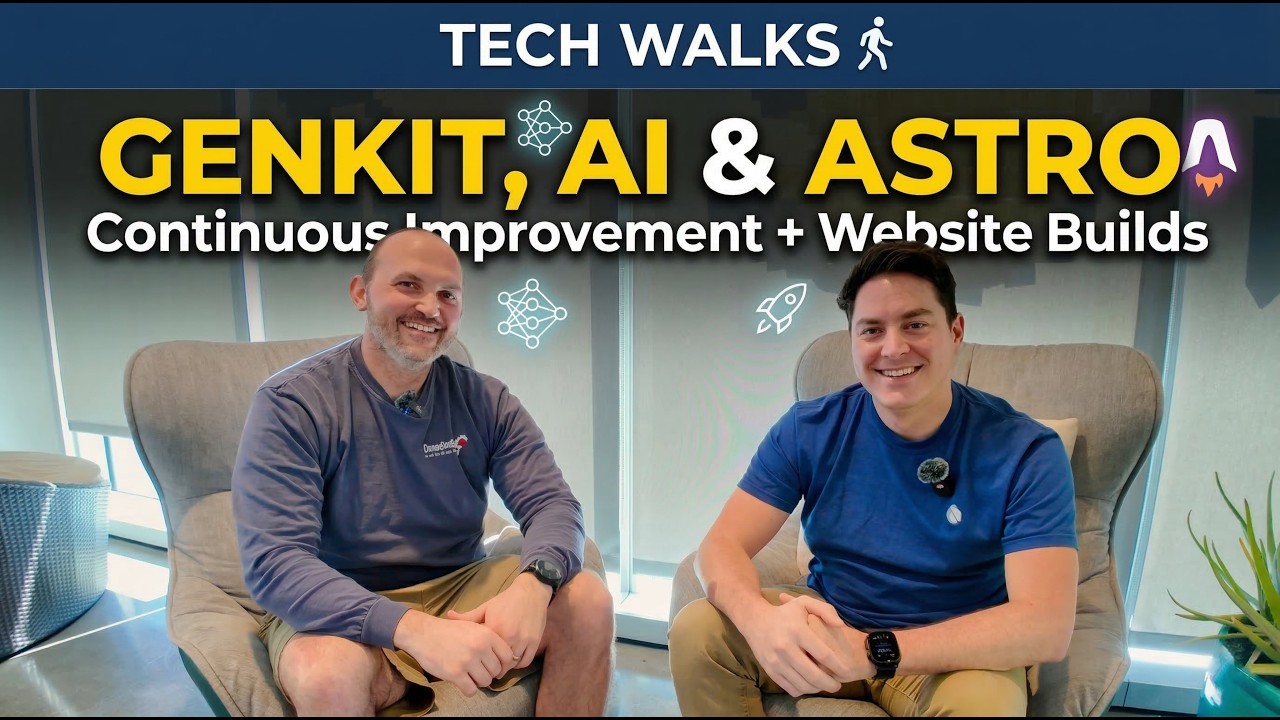
In this episode of Tech Sits, Rody and Nohe dive into their latest development projects and AI workflows.
Topics covered in this episode:
Genkit: An overview of the AI orchestration framework for full-stack applications.
Continuous Improvement Loops (Kaizen): Using models like Mistral and Gemini to iteratively refine AI outputs.
Vertex AI Model Garden: Accessing serverless models without managing infrastructure.
Operational Transparency: Exploring how the Gemini CLI streams thinking tokens to improve user experience.
Developer Portfolio Rebuilds: Rody shares his process for rebuilding his website using AI Studio, React, and Astro.
Automating Metadata: Embedding Gemma 3N to auto-generate blog descriptions and surface related posts via KNN queries.
Astro Galleries: Creating photo galleries with masonry layouts and lightboxes.
Watch on YouTube firebase • Mar 6, 2026
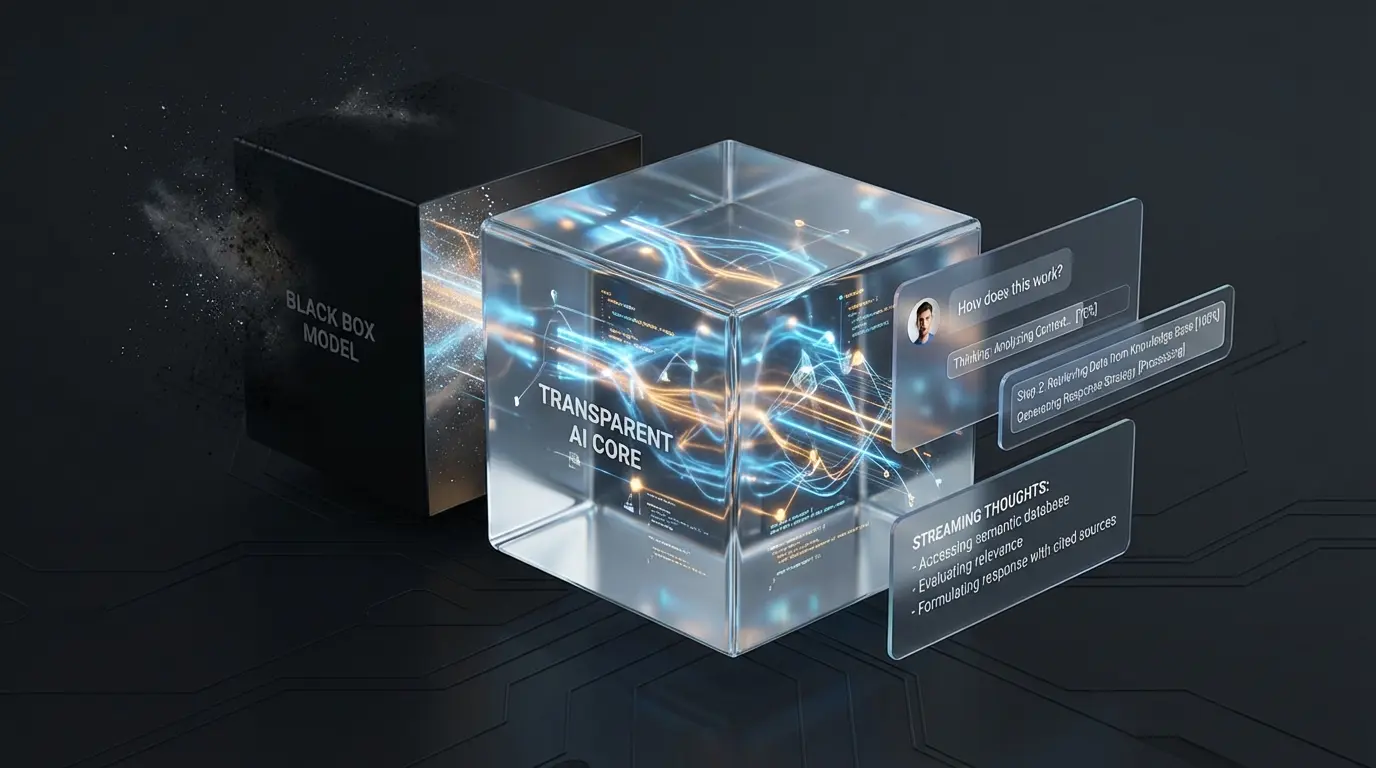
Are your users staring at a frozen screen while your massive LLM processes a prompt? In AI UX, a frozen screen means a broken app. Today, we are fixing that by turning your AI's "black box" into a "glass box" using Operational Transparency. In this video, I’ll show you how to eliminate AI wait anxiety by streaming the model's internal "thoughts" directly to your UI in real-time. Drawing on real-world transit psychology from the London Bus system, we dive into the code to show you exactly how to intercept LLM thought signatures using Firebase AI Logic and the Gemini API. Keep your users engaged, build system credibility, and drastically improve your app's user experience.
Watch on YouTube firebase • Mar 5, 2026
Leverage Chrome’s on-device Prompt API to deliver a private, infrastructure-free LLM experience. While on-device models like Gemini Nano offer improved privacy by keeping data local, hybrid AI experiences often require a fallback to a cloud model when local resources are unavailable. This post details how to implement essential transparency warnings and give users a choice to proceed, ensuring reliable functionality while maintaining user trust and preserving privacy as your core value proposition.
Dive in genkit • Mar 4, 2026
Ready to move beyond single-model agents? Dive into continuous improvement loops (Kaizen) using Genkit and Vertex AI Model Garden. We show you how to use models from multiple providers as a 'writer' and a 'critic' to build AI agents that critique and refine their own outputs for maximum quality and improved results.
Dive in genkit • Mar 3, 2026
Simplify your LLM development by using one Genkit plugin to access models like Claude, Mistral, Gemini, and Llama from Vertex AI's Model Garden. Learn how to switch between large language models without the hassle of rotating API keys or tracking multiple quotas.
Dive in ai • Feb 25, 2026
Tired of generic chatbots? Discover how Firebase AI Logic lets you build unique, streamed conversational AI experiences with Gemini's native audio models! From practicing presentations with AI feedback to building custom voice assistants, the possibilities are endless. This video dives deep into Firebase AI Logic, showcasing how you can create immersive audio interactions within your apps. Learn how to leverage Gemini's native audio models to provide a unique vocal experience, keeping your API keys secure while offering features like custom personas, real-time feedback via tool calls, and diverse voice selections. We'll walk through a practical demo of building an AI assistant that helps practice public speaking, complete with live metrics and a distinct AI personality.
Watch on YouTube ai • Feb 12, 2026
Long LLM inference times can frustrate users. Learn how to use Operational Transparency and Firebase AI Logic to stream "thinking" steps, turning the black box into a glass box and keeping users engaged.
Dive in ai • Feb 4, 2026
We’re diving deep into the latest paradigms in AI development, starting with the difference between traditional context files (Gemini.md) and the new "Agent Skills" dynamic. We also share a story about using the Vertex AI Prompt Optimizer to automate our YouTube descriptions. It took 5 hours and nearly 100 million tokens, but the results were surprisingly consistent. Finally, we geek out on the Model Context Protocol (MCP), experimenting with exposing Flutter application state as local tools using Unix sockets.
Watch on YouTube ai • Feb 1, 2026
AGENTS.md is dead weight. Discover the automated workflow for building lean, token-saving Agent Skills.
Dive in ai • Jan 26, 2026
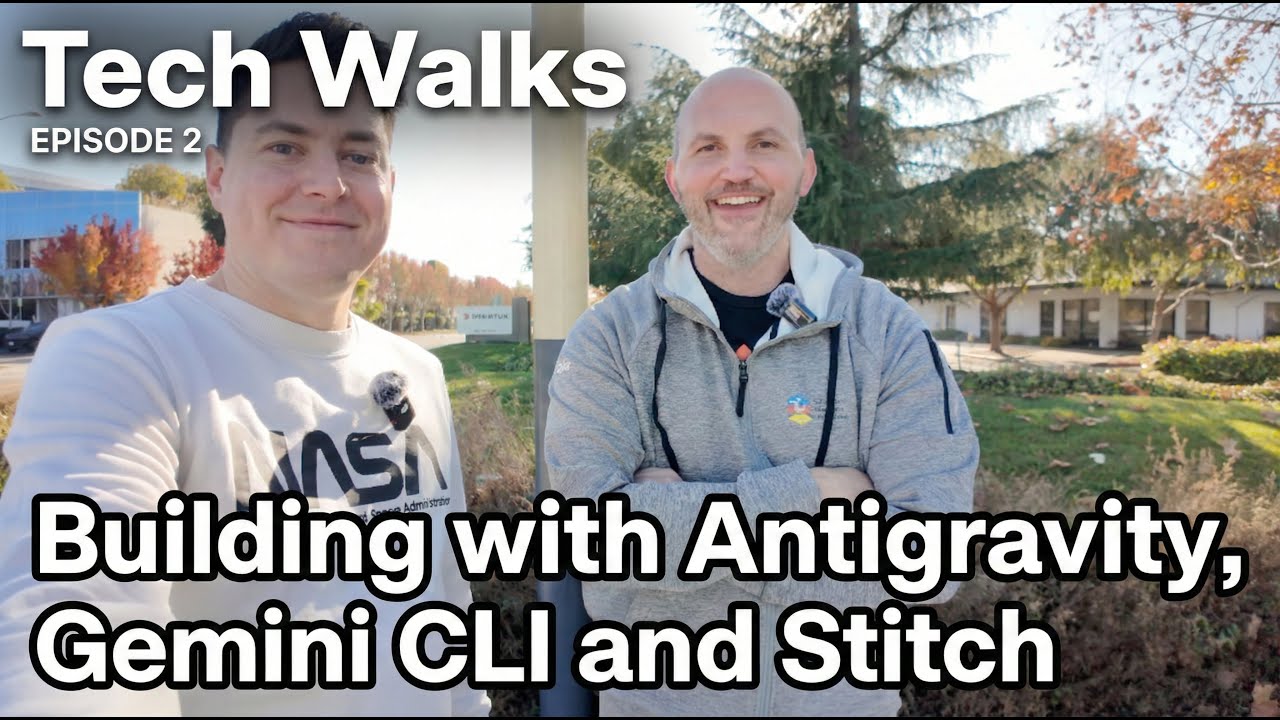
In this next episode of our "untitled" podcast, Nohe and Rody take a "tech walk" to discuss the evolving landscape of AI development tools. We dive deep into the differences between the linear workflows of Gemini CLI and the asynchronous, project-level capabilities of Anti-Gravity. We also geek out on home lab setups—discussing the shift from Docker Compose to Kubernetes (K3s) on Raspberry Pi clusters—and share a game-changing workflow using NotebookLM to generate context files for your AI agents. Finally, we explore Stitch for generative UI, including how to instantly create shaders and animations from simple screenshots.
Watch on YouTube ai • Jan 20, 2026
Learn how to use the Vertex AI Prompt Optimizer to automatically tune your prompts to get better results by iterating on your prompts and then running an evaluation on the outputs assessing their quality to see if it has improved.
Read at firebase.blog ai • Jan 13, 2026
Learn how to improve your AI outputs to a more reliable output through continuous improvement.
Read at firebase.blog ai • Dec 26, 2025
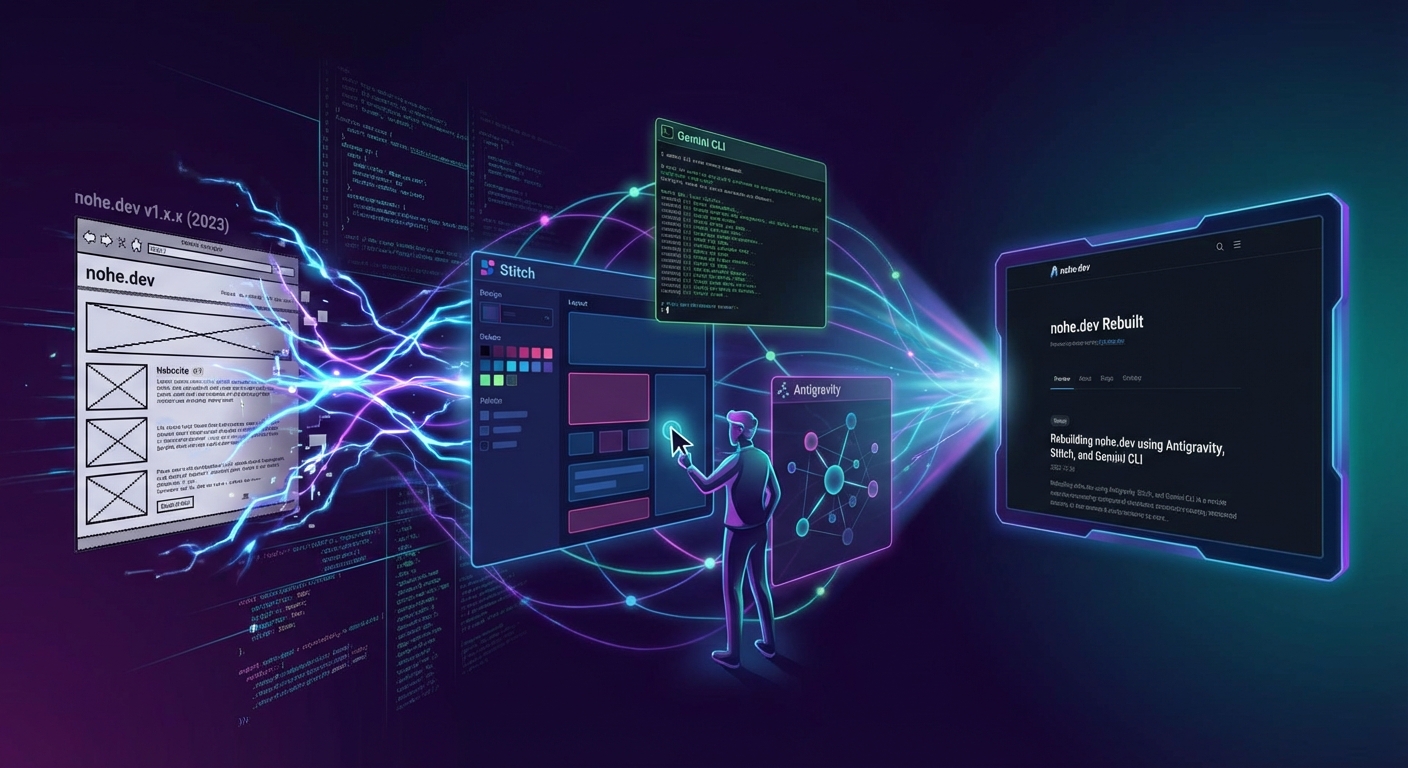
I used AI to rebuild my blog into something better. Come along as I show you how I show you why and how I did it.
Dive in firebase • Dec 19, 2025
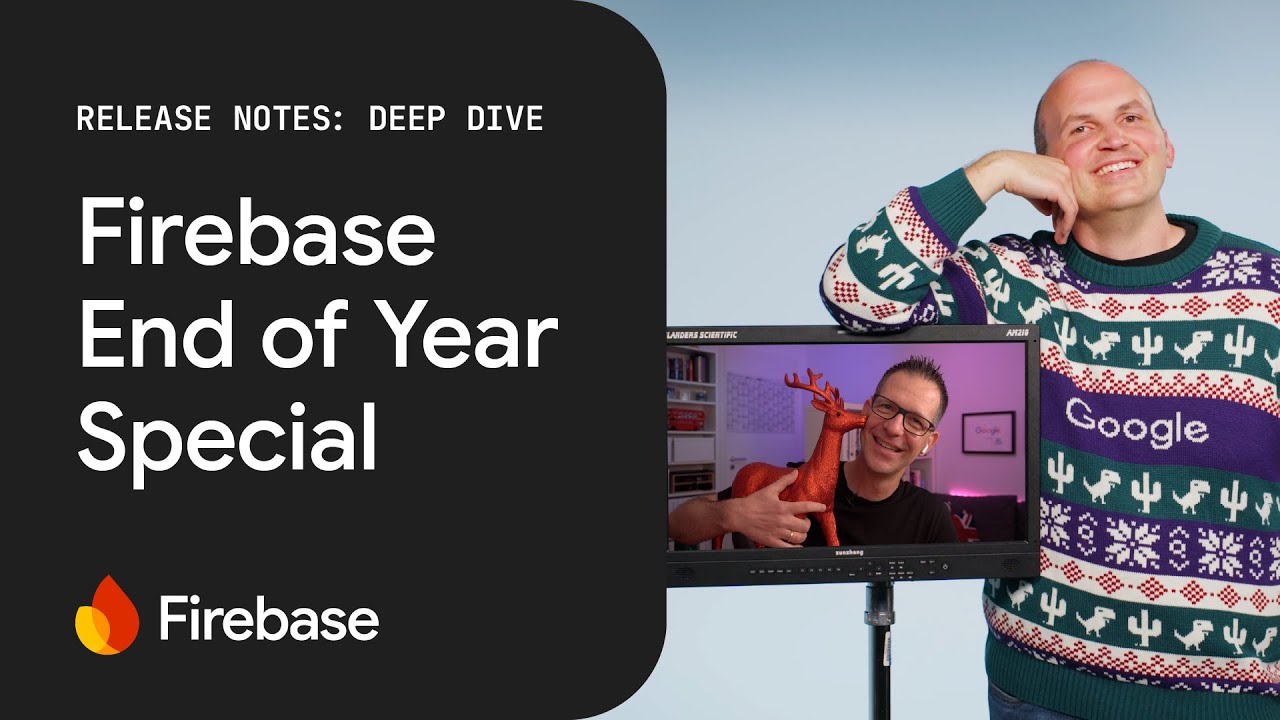
In this masterpiece, Nohe and the crew unwrap some of the most requested feature requests from the Firebase community - yes, that's you! This episode unpacks major announcements including the comprehensive integration of Gemini AI across the development workflow, the General Availability of Firebase Data Connect with managed PostgreSQL, and the arrival of real-time updates for Remote Config on the web.
Watch on YouTube dnd • Dec 4, 2025
Nohe breaks down how he built a "Campaign Agent" for Dungeons & Dragons/Pathfinder. This system uses a loop of specialized agents to help manage game sessions.
Watch on YouTube ai • Dec 2, 2025
Learn how to secure AI agents and tool calls to prevent prompt injection and unauthorized data access using authorized application context.
Read at firebase.blog firebase • Nov 26, 2025
The Firebase Extension for Gemini CLI brings AI capabilities directly into your development environment! This video walks you through practical examples of using the Gemini CLI to configure Firebase services and deploy your applications efficiently.
Watch on YouTube ai • Nov 11, 2025
Learn how to secure AI endpoints from abuse and prohibitive costs using Firebase App Check, replay-protected tokens, and rate limiting.
Read at firebase.blog ai • Oct 1, 2025
Add AI-powered review suggestions to your app that automatically suggest star ratings as users type.
Read at firebase.blog firebase • Aug 26, 2025
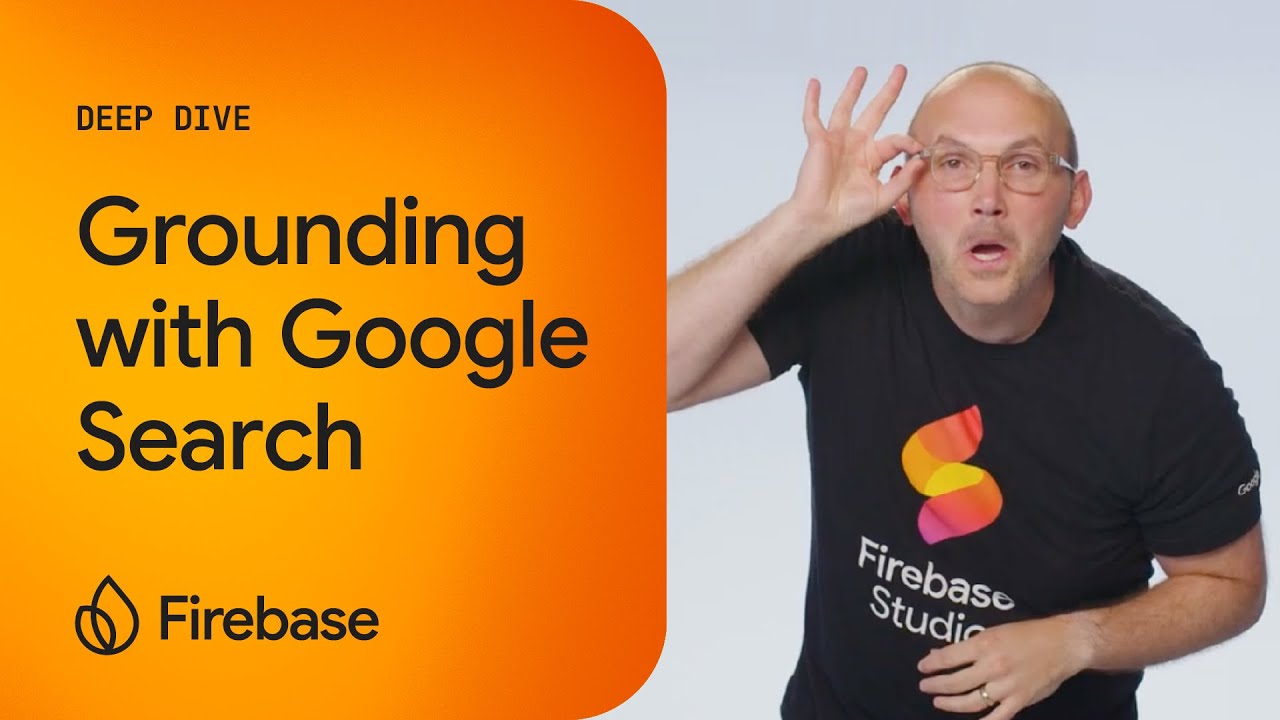
Level up your AI applications with real-time web content using Google Search Grounding! This video shows you how to ground your AI applications with real-time, publicly available web content, ensuring more accurate and current answers.
Watch on YouTube firebase • Jun 26, 2025
Discover the power of Firebase's Model Context Protocol (MCP) Server! Learn how this experimental tool connects AI applications with enterprise data and tools, streamlining communication and enabling secure AI actions on behalf of users.
Watch on YouTube firebase • May 26, 2025
Firebase Studio, formerly Project IDX, is a cloud-based environment for building, testing, and deploying production-quality applications. Discover how to use Firebase Studio's App Prototyper to quickly build AI applications.
Watch on YouTube firebase • Mar 26, 2025
In this deep dive, Alexander Nohe takes a look at Imagen for image generation and presents a challenge to those viewers to come up with a prompt for generating their own images. Learn more about Imagen and the Vertex AI SDKs here.
Watch on YouTube firebase • Dec 26, 2024
Learn how to use Firestore's new Vector Embedding support to power semantic search and recommendations in your Firebase app! In this episode of Firebase Deep Dives, Nohe covers: -What vector embeddings are and how they work -Why you would want to use vector embeddings in your app -How to generate vector embeddings using Vertex AI and Cloud Functions -How to query your Firestore data using vector embeddings and k-nearest neighbors search
Watch on YouTube ai • Feb 15, 2024
Integrate the Gemini API with Firebase to add generative AI capabilities to your apps using Firebase Extensions.
Read at firebase.blog firebase • Sep 28, 2023
Nohe and Khanh are on a mission to build a Flutter with @Firebase app. In 24 hours, they’ve built a video sharing app that uses AI (via the PaLM API) to automatically generate video summaries for users. Watch this episode of Learning to Fly to learn more!
Watch on YouTube