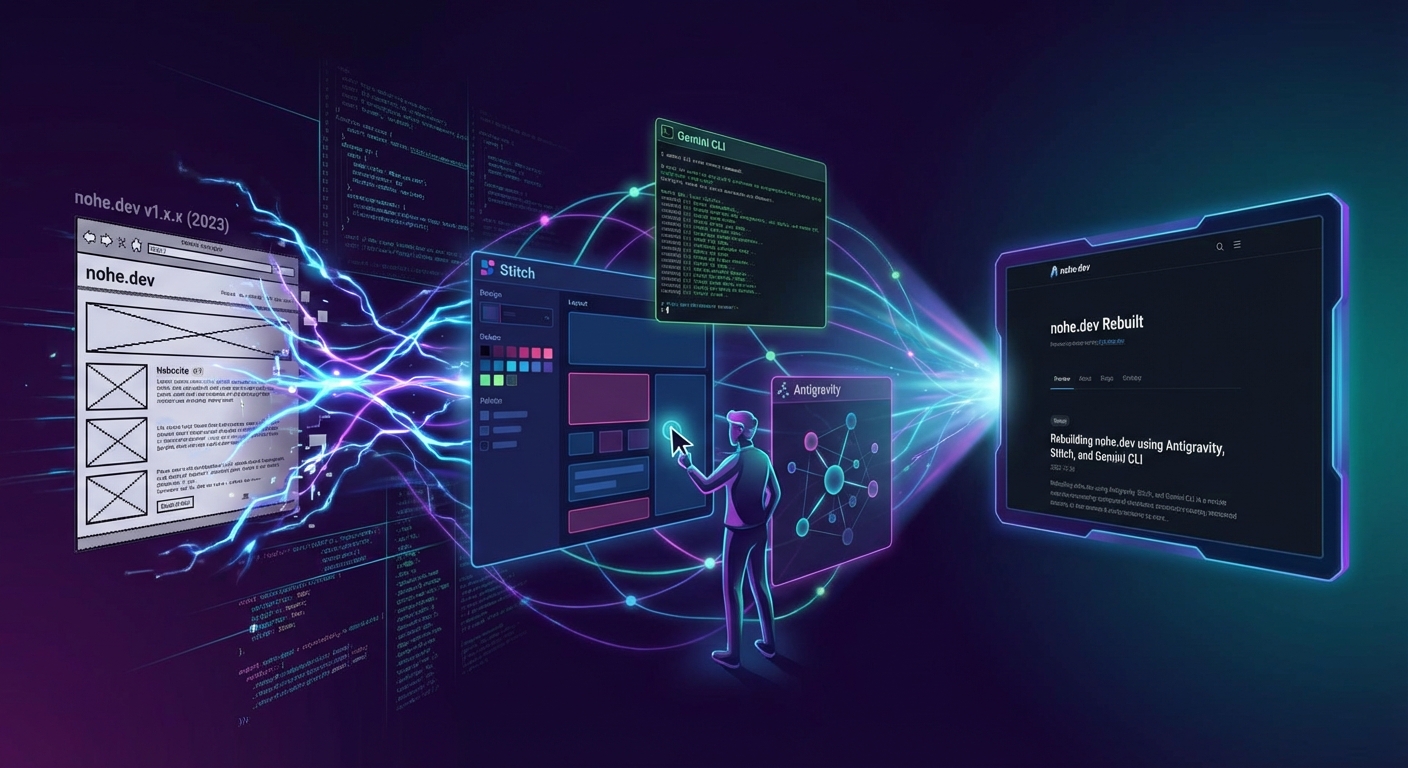
I think it’s fair to say that I am the worst UI designer I have ever met. It’s clear I dress myself and when it comes to designing something interesting, I have zero imagination. When I set out to rebuild my blog it merely started as a version bump, not an entire rewrite. Here is the story of how a simple version bump turned into a full blown rewrite.
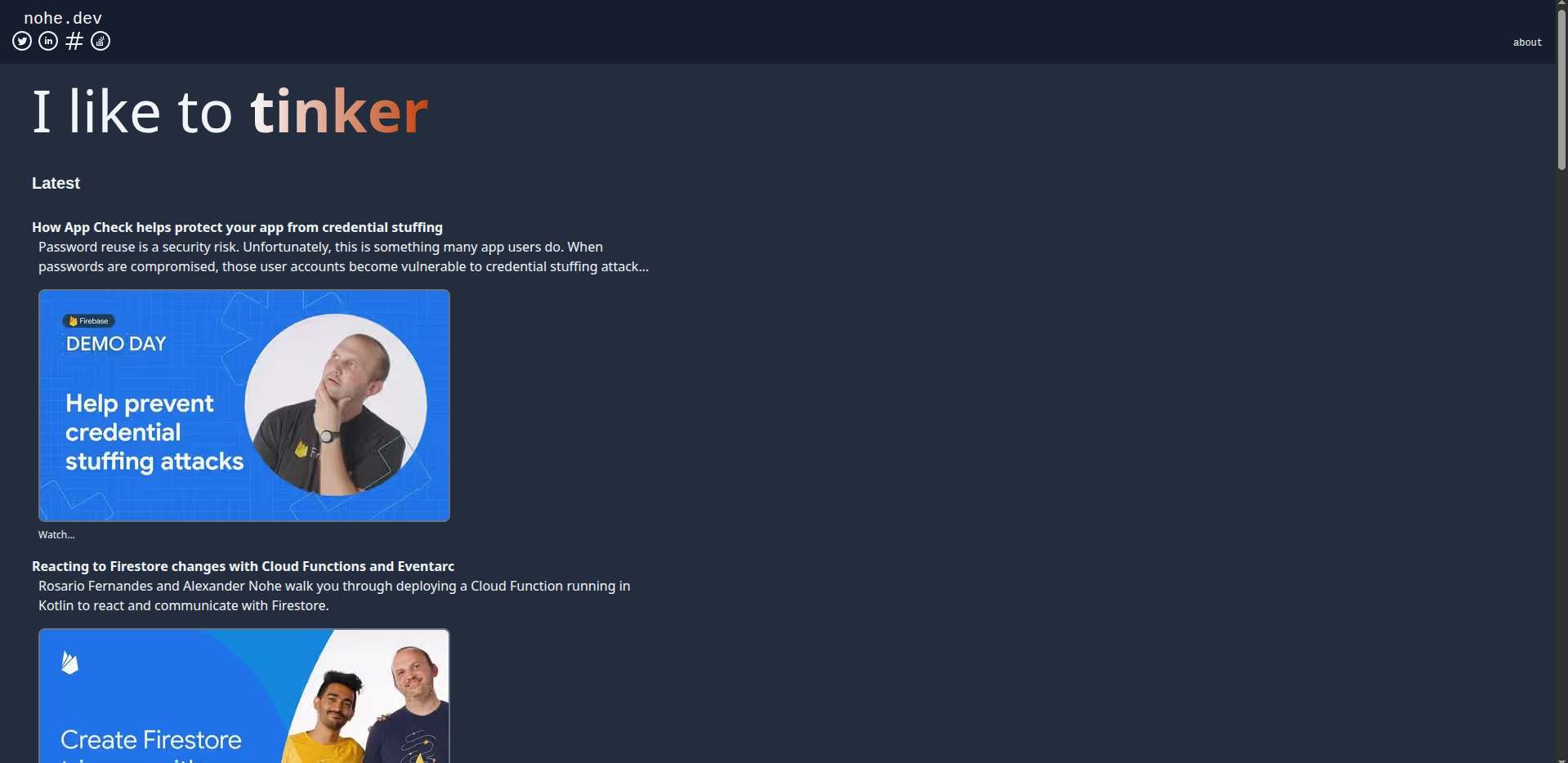
The original site
Updating Astro to the latest version
My blog has been getting stale. The last update I pushed to it was in 2023. I have been using it as a collection of my public artifacts that I created since 2020 and I remember I stopped working on it since Astro had a version change from 1.x.x to 2.x.x. I can’t remember exactly why I stopped working on it, but if I recall correctly it had something to do with wanting a new feature in the latest version of Astro. I remember trying to do this manually at the time and failing spectacularly. I got to a point where I just gave up and put my blog away to not touch it again. Life gets busy, things change. It’s hard.
Giving Jules a whirl late one night
After almost three years after I had given up on my blog, I decided it was time to revive it.
I remember my past frustrations with the update so I figured I would give Jules a shot at it.
I set it up in the UI using the most basic of prompts Migrate this blog to the lastest (sic) astro version.
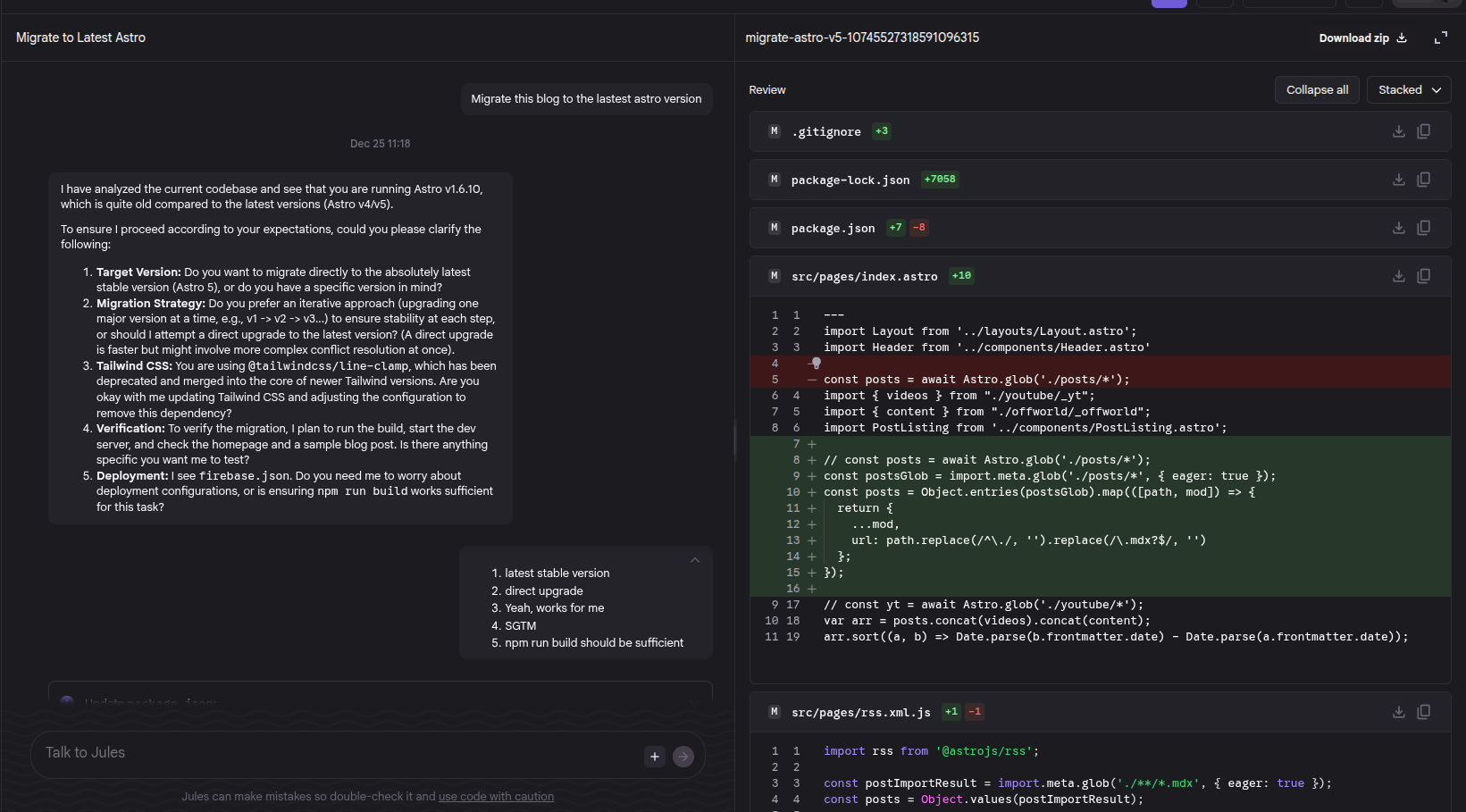 It asked me a few questions about what I wanted to accomplish through the
migration, I answered and it got to work while I walked away. Later that night, I checked in
and the migration from 1.x.x was complete and I was now on Astro 5.x.x. Looking at the code,
I could instantly tell I am the problem when it comes to migrations. It was very simple to migrate,
I just never spent an honest effort on the migration. I accepted the changes and decided I wanted to
update my blog to include all the content I had created since 2023.
It asked me a few questions about what I wanted to accomplish through the
migration, I answered and it got to work while I walked away. Later that night, I checked in
and the migration from 1.x.x was complete and I was now on Astro 5.x.x. Looking at the code,
I could instantly tell I am the problem when it comes to migrations. It was very simple to migrate,
I just never spent an honest effort on the migration. I accepted the changes and decided I wanted to
update my blog to include all the content I had created since 2023.
Gemini CLI to add all my posts at once
Since I am using my blog as a portfolio of all my work I knew I had a ton of content elsewhere
that I published and adding those links to a giant JSON file of all my work was gonna take time, even
just to come up with witty descriptions and copying over thumbnails from the original posts.
I decided I would try to see if Gemini CLI could help accelerate this process.
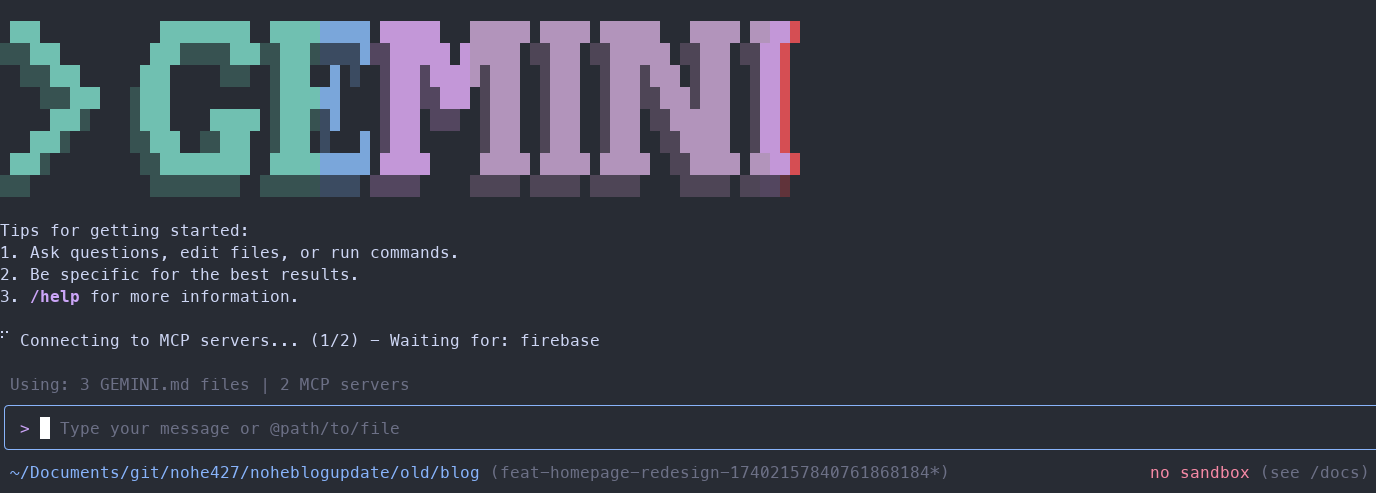 I spent about
15 minutes going to each article and video that I have published on my works domains and copied
them into a text document. From there I sent a really basic prompt to the Gemini CLI to ask for
it to update my JSON file with the following content URLs. Gemini CLI delivered and I got my blog
back to a new working state. It even fetched all of the thumbnail and OpenGraph images for me to
reference in the site or to upload to a Firebase storage bucket. Using the Gemini CLI
with the Firebase Extension, I fired off the upload to a Firebase storage bucket and I was ready to go!
I spent about
15 minutes going to each article and video that I have published on my works domains and copied
them into a text document. From there I sent a really basic prompt to the Gemini CLI to ask for
it to update my JSON file with the following content URLs. Gemini CLI delivered and I got my blog
back to a new working state. It even fetched all of the thumbnail and OpenGraph images for me to
reference in the site or to upload to a Firebase storage bucket. Using the Gemini CLI
with the Firebase Extension, I fired off the upload to a Firebase storage bucket and I was ready to go!
New motivations with Stitch
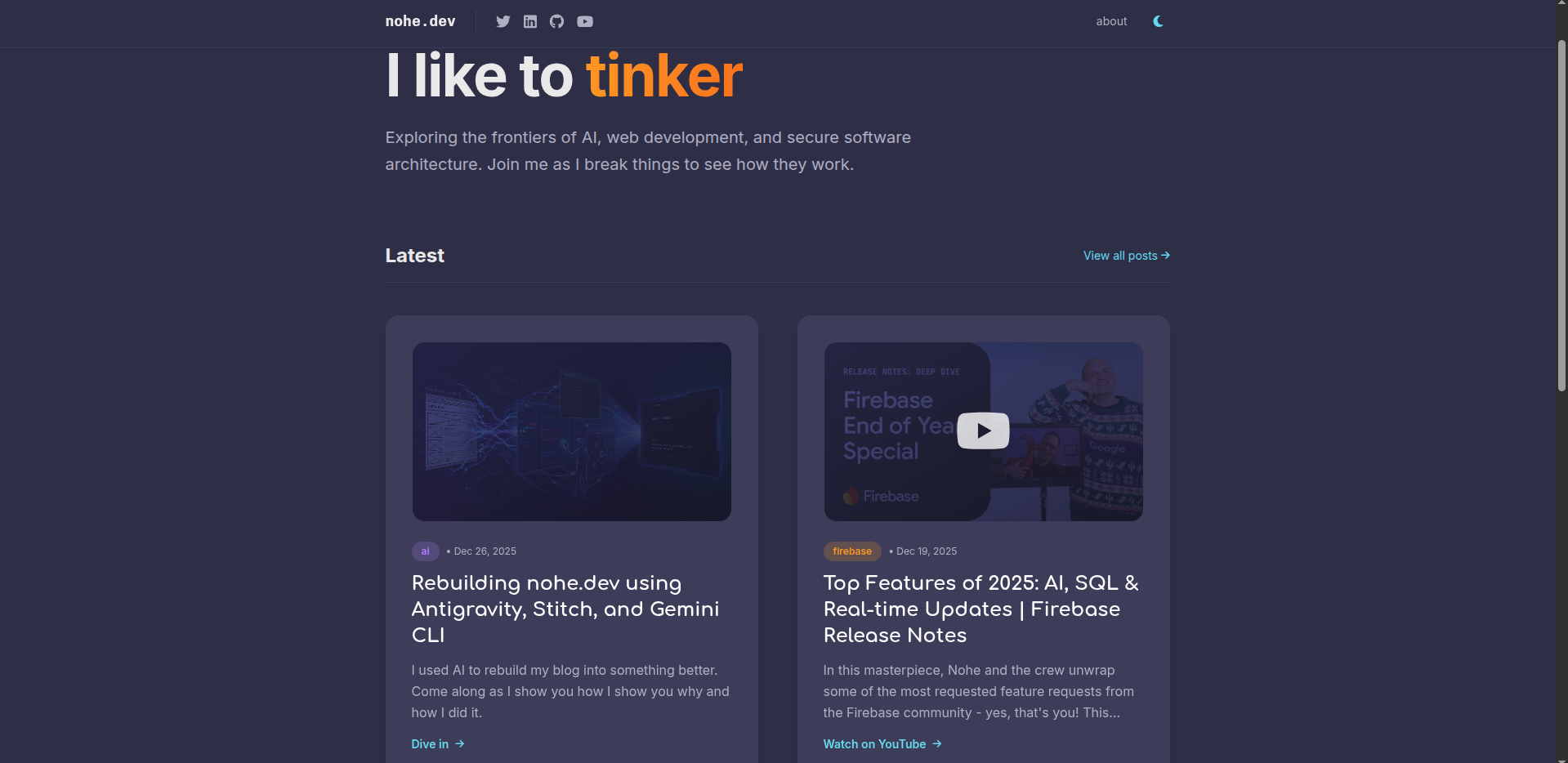
Since I had a working blog now with updated content, I felt obligated to redo the design.
As mentioned at the top of the article, I think when people meet me, they just know that I have
zero design sense. You can even look at a few of my Firebase deep dives to see how I obviously
lack a sense of design. So I went to Stitch and I sent a screenshot of my current blog and asked
for an update.
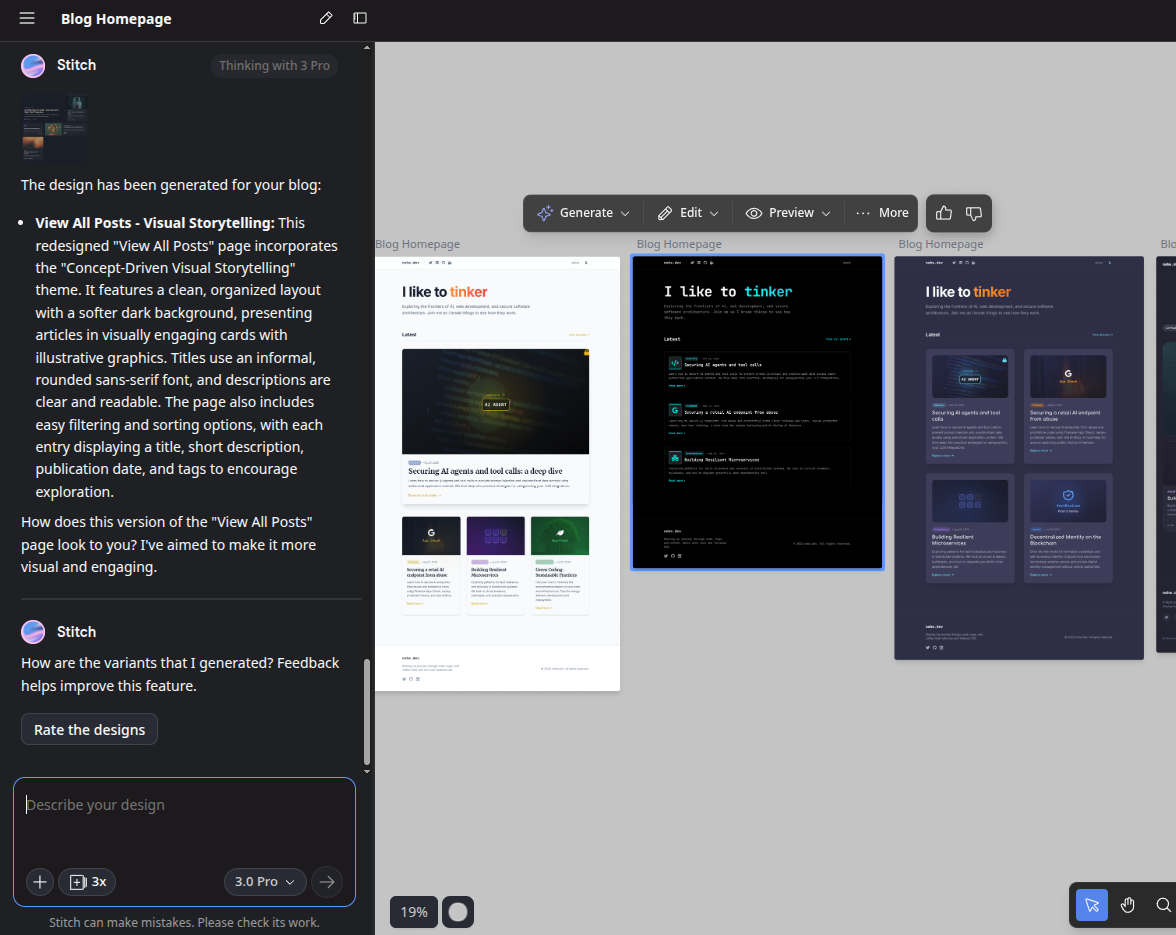 Stitch outputs quite a few design options. Not being a fan of light mode, I iterated
with Stitch asking for dark mode designs. I saw a very close to Catppuccin design and knew that I
had to take it. Applying the Catppuccin theme is the first thing I apply to my text editors when
setting them up. I exported the task back to Jules and away we went!
Stitch outputs quite a few design options. Not being a fan of light mode, I iterated
with Stitch asking for dark mode designs. I saw a very close to Catppuccin design and knew that I
had to take it. Applying the Catppuccin theme is the first thing I apply to my text editors when
setting them up. I exported the task back to Jules and away we went!
Jules to Antigravity
Once Jules had modified my layout in my blog homepage, I loaded up my new blog and ran the preview site. It was almost right. There were no images displaying, none of the links were working, but there were cool highlights, tags, and other design features I would never have done myself. I popped into Antigravity with my repository and got to prompting and explaining each thing that appeared to be wrong or broken in the output. After a couple minutes of iterating my site felt new again, at least on the home page…
The Stitch & Antigravity loop
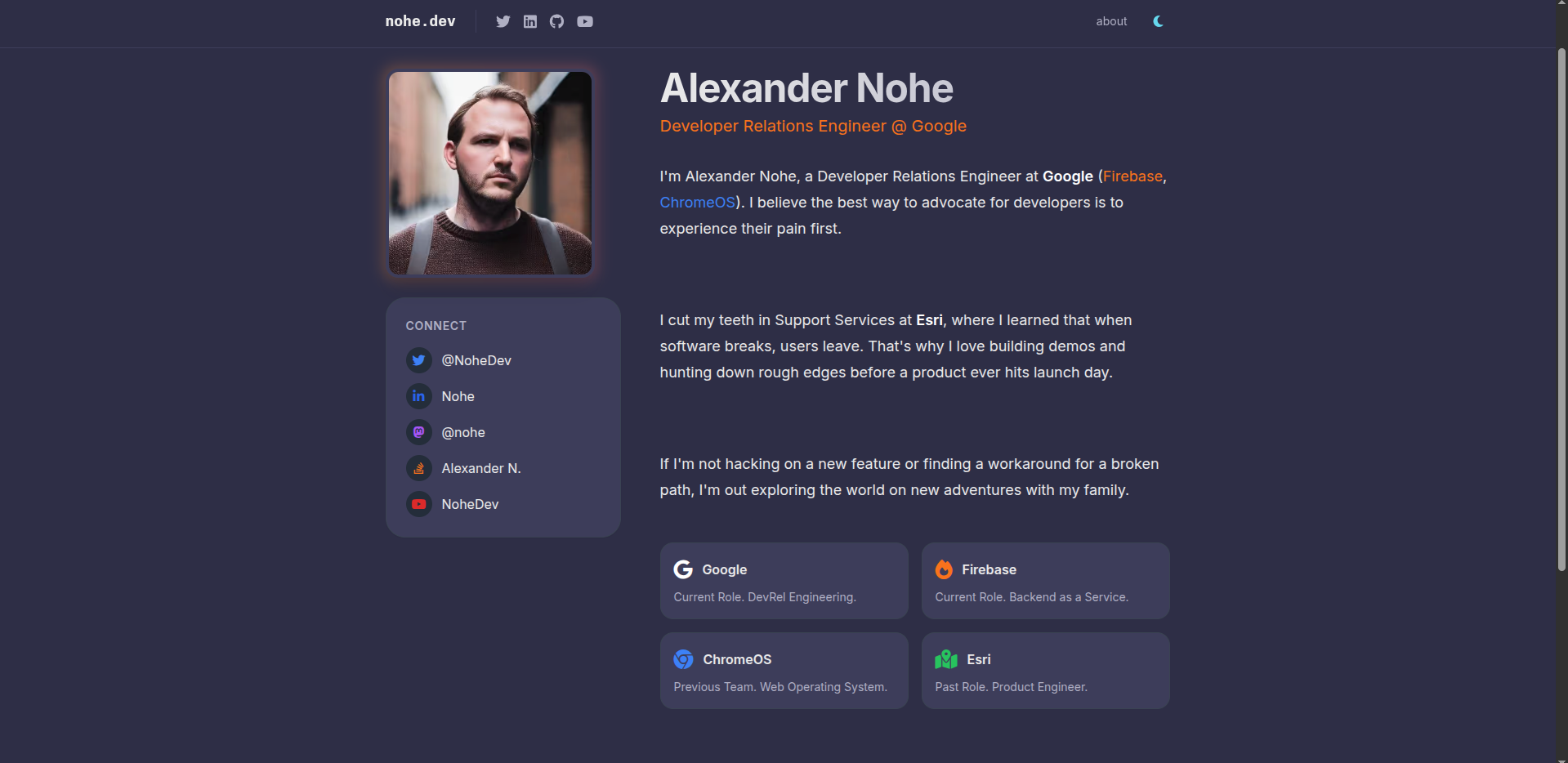
As I would fix things and navigate my site, I noticed that other pages no longer felt like they
belonged to the site. Sure, the color scheme was properly reflected on each page but there were little
things like the margins on the pages no longer matched, the fonts were off, and the design just felt
a bit different. I decided to take each major page and revise it using Stitch to iterate on the design
and then import those changes with Antigravity so I could loop over the designs with an agent that I
could interact with.
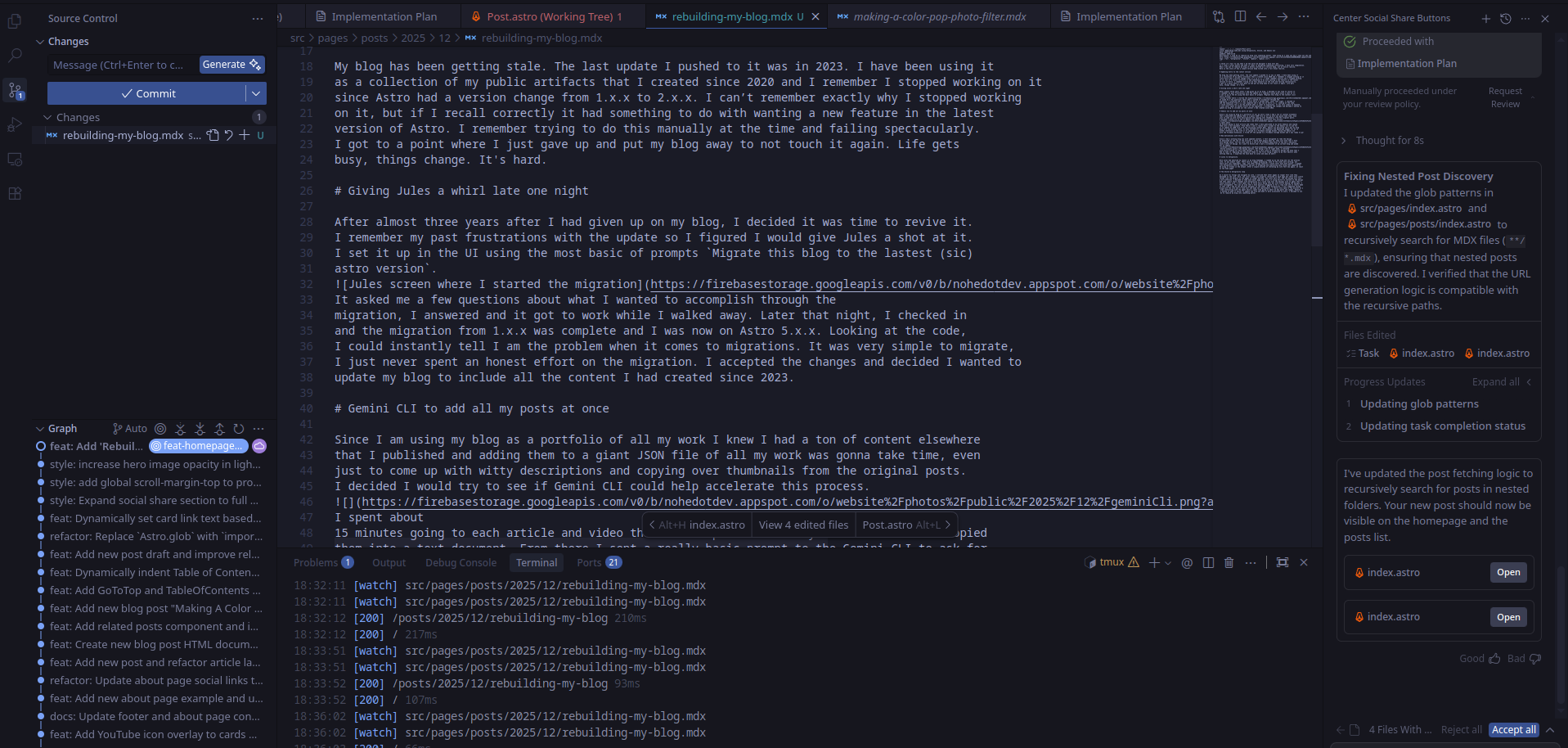 I only spent two to three hours doing this but with Stitch making the designs, I felt unstoppable.
This was an area that I have majorly struggled in for a long time and it really made
it feel like I had my own personal designer at the wheel. With Antigravity, I just suggested things
wrong with the site and it took over and made the improvements. I really only spent a few minutes at a
time interacting with the agent while I spent time going on about my day.
I only spent two to three hours doing this but with Stitch making the designs, I felt unstoppable.
This was an area that I have majorly struggled in for a long time and it really made
it feel like I had my own personal designer at the wheel. With Antigravity, I just suggested things
wrong with the site and it took over and made the improvements. I really only spent a few minutes at a
time interacting with the agent while I spent time going on about my day.
Conclusion
Using the entire Gemini suite of developer tools allowed me to revive my old blog. It not only allowed me to revive the blog but it also enabled me to totally redesign the blog adding a bunch of new looks and features to the blog as well. I have been incredibly happy with the results as this gave me the opportunity to focus on other things in my life and not just be stuck in my blog all day long working on the design and feel of it.
The updated site