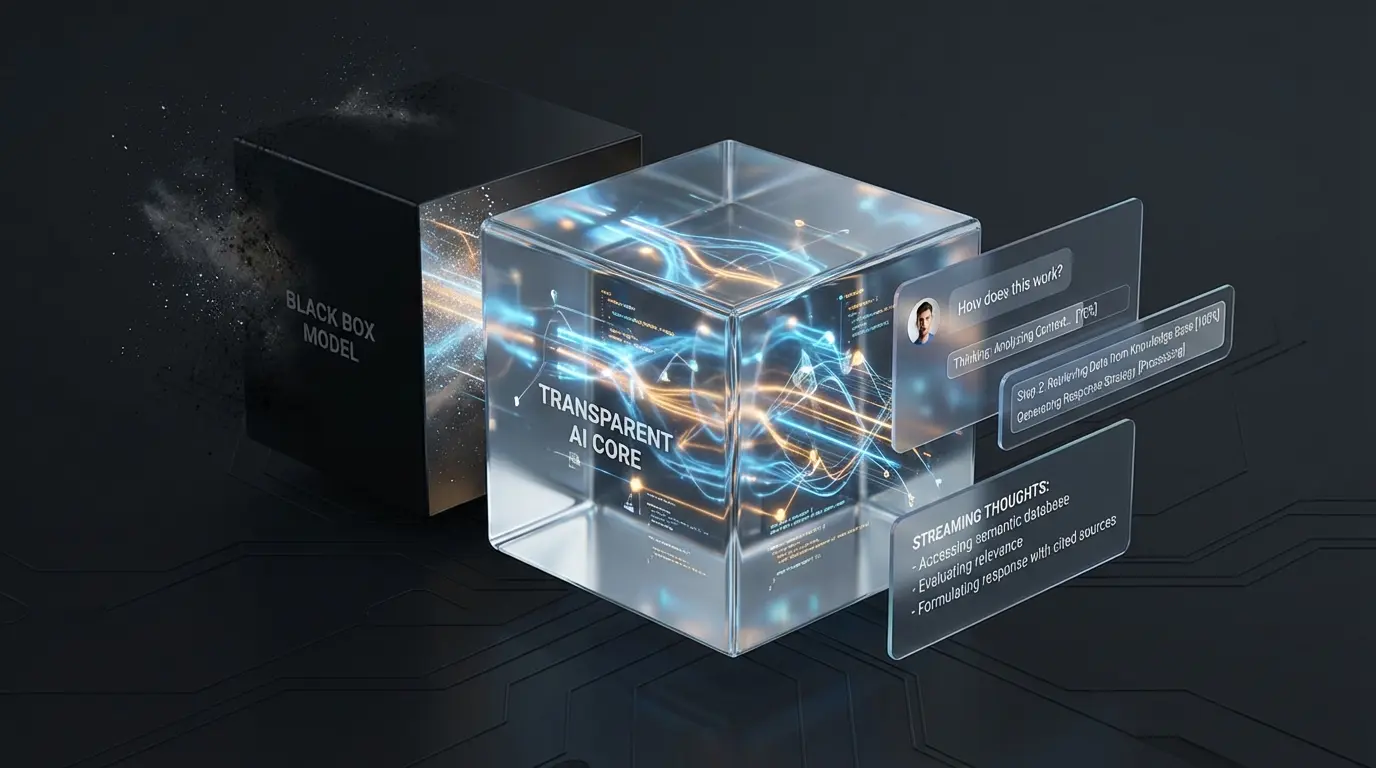
Waiting is hard. Especially waiting for your inference to finish from a large LLM. Google has spoiled us with instantaneous search results for years after running a query and when moving to a very large model that takes time to process requests, the waiting can be even more painful. Sometimes I find myself pondering whether the application hung and entered an error state or whether it’s actually continuing to process information. When a screen freezes, users assume it’s broken. When a screen shows activity, users assume it’s working. We need to turn the LLM black box into a glass box.
The studies
There has been research done at transit stations in London (TfL) that show that having a time table at stops can help empower users to feel less anxious about waiting for the bus to arrive. Anecdotally, regular commuters may know the bus is late, but the confirmation of that delay reduces the cognitive load of uncertainty. This operational transparency gives the system credibility and makes it feel more reliable, even if the bus system in London hasn’t improved its reliability. We can do the same thing with LLMs when they may take a while to process information by capitalizing on their thought signatures that are emitted while processing information. The results may not arrive sooner, but the idea that the system is working through a problem is giving the user peace of mind about what is being done while they are waiting for inference to complete.
Adding thoughts as status updates
Let’s start by using Firebase AI Logic to get these status updates. We start by initializing Firebase AI Logic as we normally would and then we get a reference to our generative model.
Include Thoughts
const model = getGenerativeModel(ai, {
  model: "gemini-3-flash-preview",
  tools: [{ googleSearch: {} }],
  generationConfig: {
    thinkingConfig: {
      includeThoughts: true,
      thinkingBudget: -1 // Dynamic thinking
    }
  }
});
Here you can see that in our generationConfig, we set a value for the thinkingConfig and to include thoughts. If we do not includeThoughts in our generation config, we won’t be able to provide status updates from the model as the first response from the model will be the generated output.
Stream the thoughts
/**
 * Async Generator that yields structured updates for thoughts and text
 */
export async function* streamWithThoughts(
  ai: AI,
  prompt: string
): AsyncGenerator<StreamUpdate> {
  const model = getReasoningModel(ai);
  const result = await model.generateContentStream(prompt);

  let accumulatedThoughts = "";

  for await (const chunk of result.stream) {
    // 1. Process Thoughts
    const thought = chunk.thoughtSummary?.();
    if (thought) {
      accumulatedThoughts += thought;

      // Extract the most recent thought title wrapped in ** **
      const matches = [...accumulatedThoughts.matchAll(/\*\*(.*?)\*\*/g)];
      const lastStep =
        matches.length > 0 ? matches[matches.length - 1][1] : undefined;

      yield {
        type: "thought",
        content: thought,
        currentStep: lastStep,
      };
    }

    // 2. Process Actual Response Text
    const text = chunk.text();
    if (text) {
      yield {
        type: "text",
        content: text,
      };
    }
  }
}
Now we can use a generator function to go and generate thoughts. As we generate these thoughts we send them to the previous method through a yield function. This means that we are constantly sending updates back to the calling method through yield and can get updates as needed.
In the code snippet, we are using a regex to extract bolded titles from the thought stream. While the model typically follows this pattern, it may change in the future. This is the current pattern that I have examined using Gemini models and it may vary depending on the model provider you are using.
Update the UI
/**
 * Example usage: Updating the DOM with the stream
 */
export async function updateUIWithStream(
  ai: AI,
  prompt: string,
  uiElements: {
    currentThoughtEl: HTMLElement;
    thoughtsHistoryEl: HTMLElement;
    textEl: HTMLElement;
    headerEl: HTMLElement;
  }
) {
  const { currentThoughtEl, thoughtsHistoryEl, textEl, headerEl } = uiElements;
  let assistantThoughts = "";
  let assistantContent = "";

  const stream = streamWithThoughts(ai, prompt);

  for await (const chunk of stream) {
    if (chunk.type === "thought") {
      assistantThoughts += chunk.content;

      if (chunk.currentStep) {
        const currentText = currentThoughtEl.textContent;
        const newText = "Thinking: " + chunk.currentStep;

        if (currentText !== newText) {
          // Wrap in a span to allow CSS animations
          const span = `<span class="thought-text">${newText}</span>`;
          currentThoughtEl.innerHTML = DOMPurify.sanitize(span);
          headerEl.style.display = "flex";
        }
      }

      // Update the full thoughts history
      // (you'd typically use a markdown parser here)
      thoughtsHistoryEl.innerHTML = DOMPurify.sanitize(assistantThoughts);
    } else {
      assistantContent += chunk.content;
      // Update the main response text
      // (you'd typically use a markdown parser here)
      textEl.innerHTML = DOMPurify.sanitize(assistantContent);
    }
  }
}
Finally, we can update the UI by getting those thoughts and using typescript to update the UI. In this contrived example I am setting the innerHTML after passing it through DOMPurify in the event the model accidentally outputs JavaScript, it shouldn’t execute, limiting my exposure to Cross site scripting attacks.
Final result
Here is the final result! We can use CSS to animate new thoughts coming and providing timely status updates to the user based on these new results. Just like the countdown clock at the bus stop, these thought bubbles verify that the system is working hard, transforming the waiting experience from anxious to engaging, giving the user more operational transparency and confidence that the model is working hard while they await the results.